
 |
|
| Rating: 4.8 | Downloads: 100,000,000+ |
| Category: Entertainment | Offer by: Tubi TV |
The Tubi app serves as a seamless, high-quality gateway to thousands of hours of free entertainment, designed with a polished user interface that rivals paid subscription services.
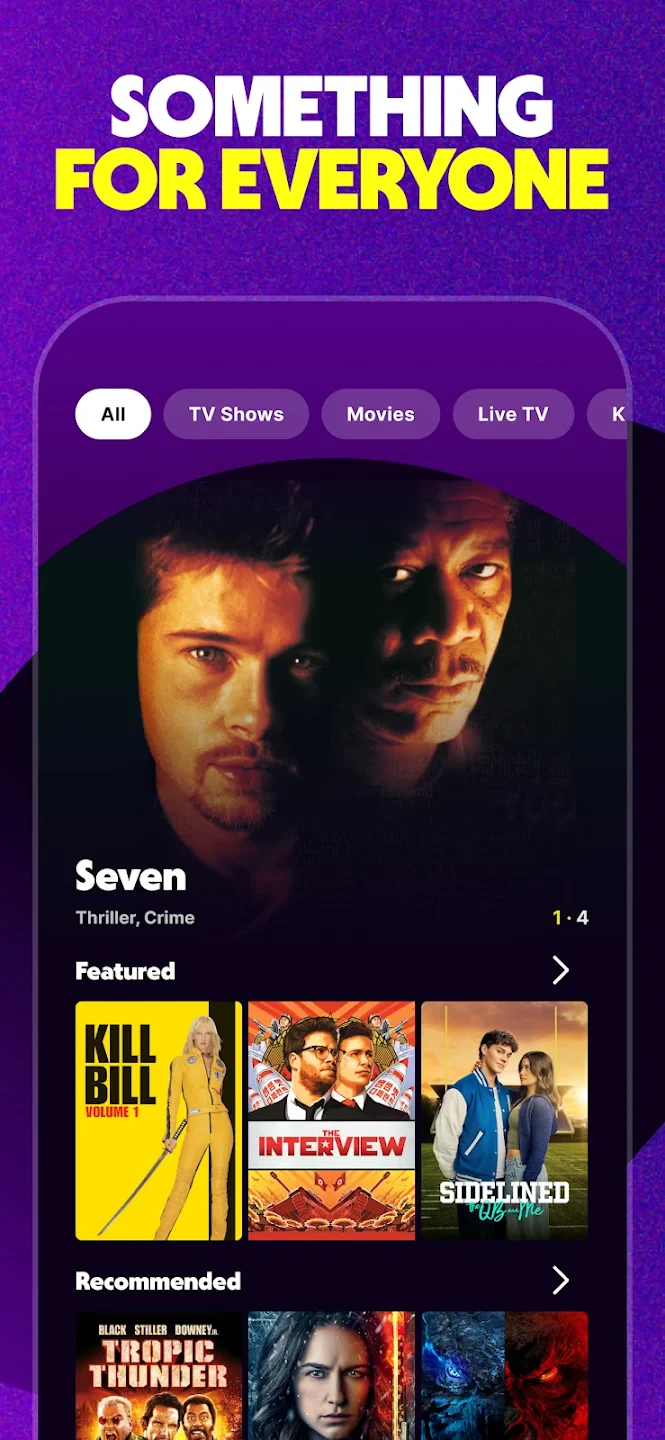
Optimized for mobile devices, tablets, and smart TVs, the app provides instant access to over 200,000 movies and TV episodes without requiring a credit card or a subscription fee. It is built for “on-the-go” streaming, allowing users to dive into content immediately after downloading.
App Features
Instant Access (No Sign-Up Required): The app lowers the barrier to entry completely; users can download the app and immediately start watching content as a “Guest” without creating an account or entering payment details.
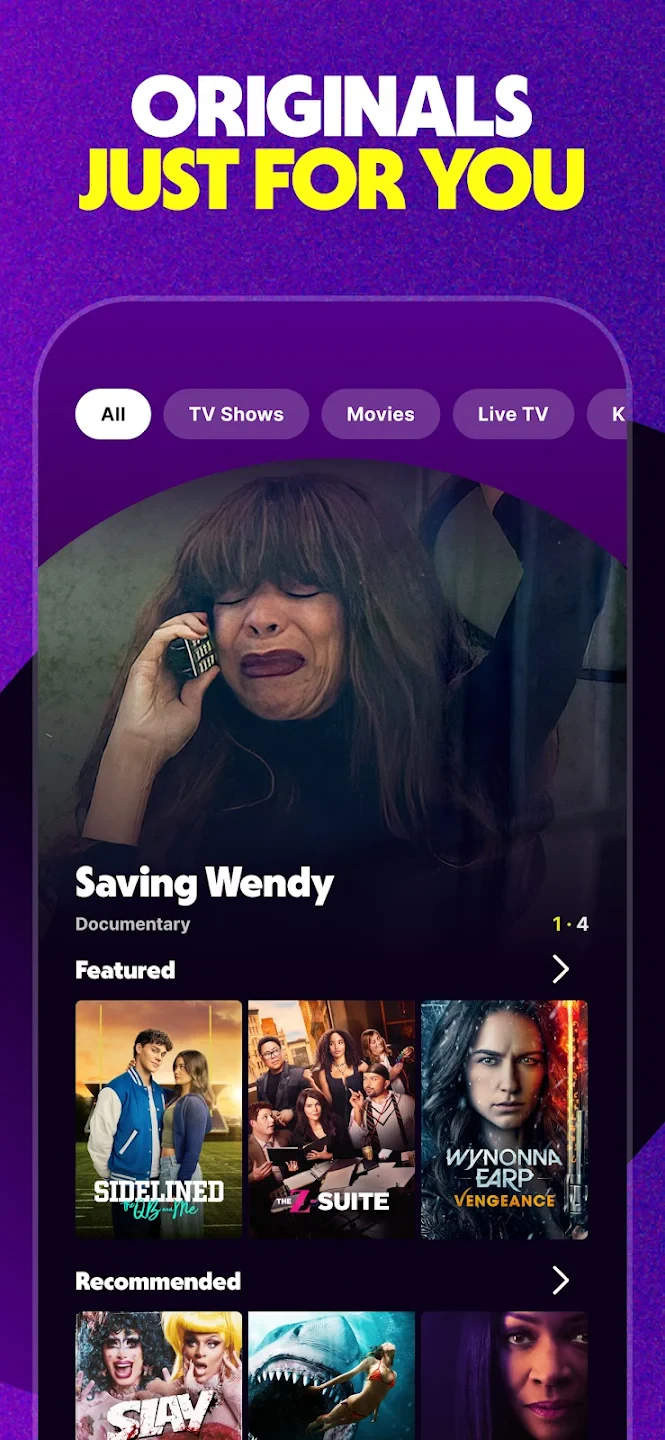
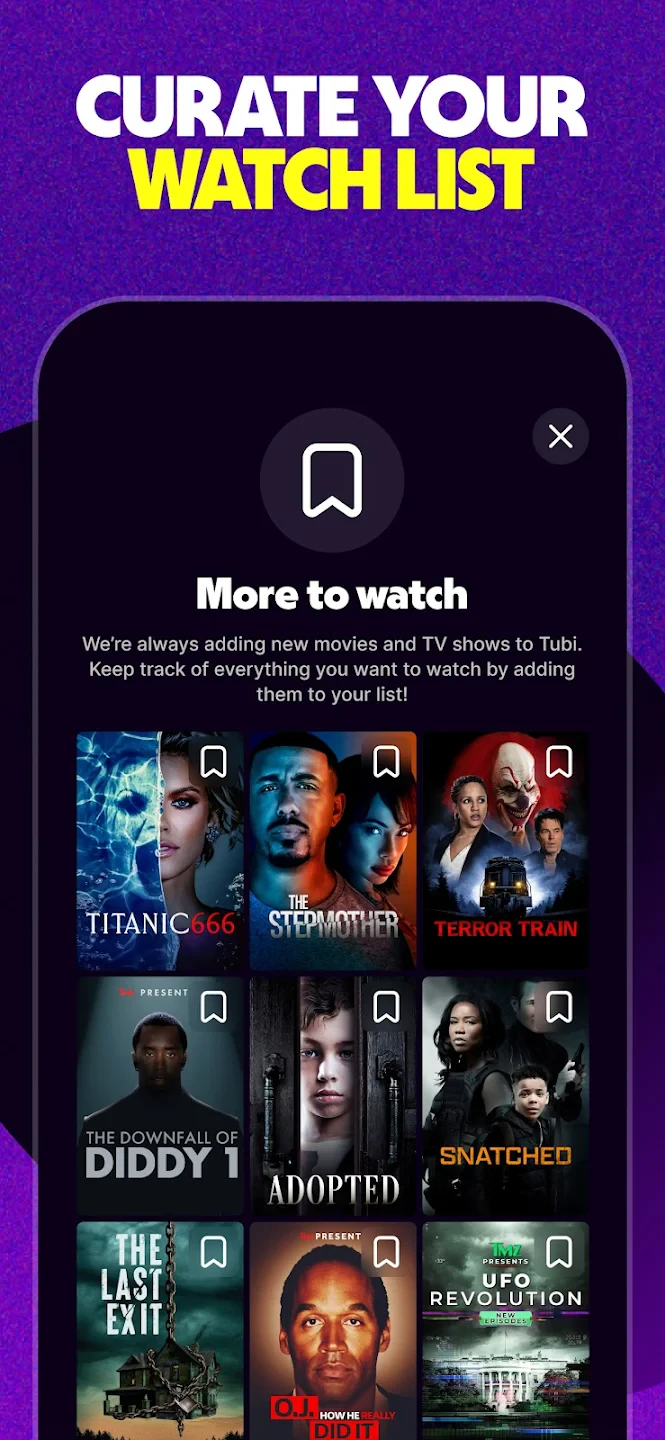
Personalized “My List” & Recommendations: The app features an intelligent algorithm that curates a “For You” row based on your watch history. It also allows you to build a custom “Queue” to save titles for later viewing.
Seamless Cross-Device Resume: The app syncs your viewing progress via the cloud. You can pause a movie on your smartphone during your commute and resume it at the exact same second on your Smart TV at home.
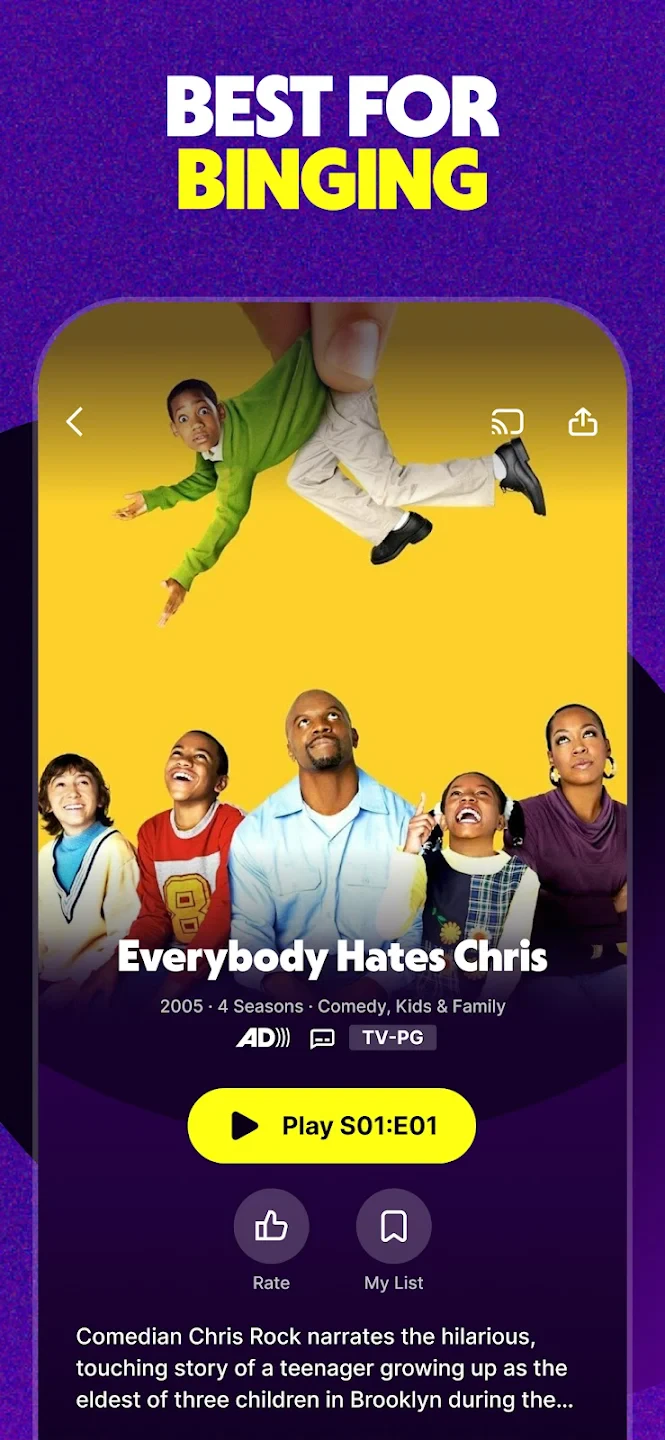
Tubi Kids Mode: The app includes a dedicated toggle/section for “Tubi Kids.” This transforms the interface into a simplified, safe environment featuring only family-friendly content, giving parents peace of mind.
Live TV Guide Interface: In addition to on-demand content, the app features a robust “Live TV” tab designed to look like a traditional cable EPG (Electronic Program Guide), offering news, sports, and entertainment channels in real-time.
Adaptive Streaming Quality: To ensure a smooth experience on mobile data or fluctuating Wi-Fi, the app utilizes adaptive bitrate streaming, automatically adjusting video quality to prevent buffering while maximizing visual clarity.
Pros & Cons
Pros
- 100% Free: No subscription, credit card, or account registration is required to watch.
- Huge Library: Access to over 200,000 movies, TV shows, and Live TV channels.
- Great User Experience: Smooth interface with cross-device syncing and a safe “Tubi Kids” mode.
Cons
- Unskippable Ads: Commercials interrupt content and cannot be removed by paying.
- No Offline Mode: You cannot download movies to watch without an internet connection.
- Limited Resolution: Content caps at 720p HD; there is no 4K or HDR support.
Similar Apps
| App Name | Highlights |
|---|---|
| Paramount+ | Offers major network programming and movie rentals. Features showings of current hits with more premium production. |
| Peacock | JSTOR for TV — free access to NBC originals and library content. Uses device-agnostic recommendations like Tubi’s system. |
| HBO Max | Premium streaming with hit originals. Ideal for users needing commercial-free, high-quality productions but willing to pay. |
Frequently Asked Questions
Q: Are there hidden costs or premium memberships for Tubi: Free Movies & Live TV?
A: No, the free viewing includes a mix of advertisements. Premium features require separate subscriptions. Our ad-free model keeps costs transparent with no unexpected charges.
Q: Can I mirror Tubi content to my TV using Chromecast?
A: Yes, via Google’s casting integration — simply tap the screen cast icon during playback. This enables seamless entertainment across devices, maintaining your viewing session continuity.
Q: Does Tubi: Free Movies & Live TV include parental controls?
A: Absolutely — users can set age restrictions and block specific content types. These controls automatically screen all live TV channels too, creating family-friendly viewing environments.
Q: Are recordings saved automatically like on Netflix?
A: No, Tubi currently lacks built-in recording features. This design prioritizes simplicity, though our libraries update more frequently than Netflix originals.
Q: Can I use Tubi on my Smart TV without internet?
A: Content downloads require initial connectivity, but playback works offline. The TV interface mirrors your mobile session progress for consistent experience.
Screenshots
 |
 |
 |
 |
Tubi: Free Movies & Live TV App Download |
|
|---|---|
 |
 |