
 |
|
| Rating: 4.3 | Downloads: 50M+ |
| Ratings count: 253,711 | Updated on: Sep 7, 2026 |
| Category: Productivity | Offer by: Grammarly, Inc. |
App data checked on 2026-09-15 · Source: Google Play
Grammarly is a leading AI-powered writing assistant that goes far beyond basic spelling and grammar checks. It is designed to help you communicate effectively and confidently across various platforms and devices.
From drafting an important email or writing an academic paper to crafting a social media post, Grammerly app refines your text for clarity, impact, and professionalism.
App Features
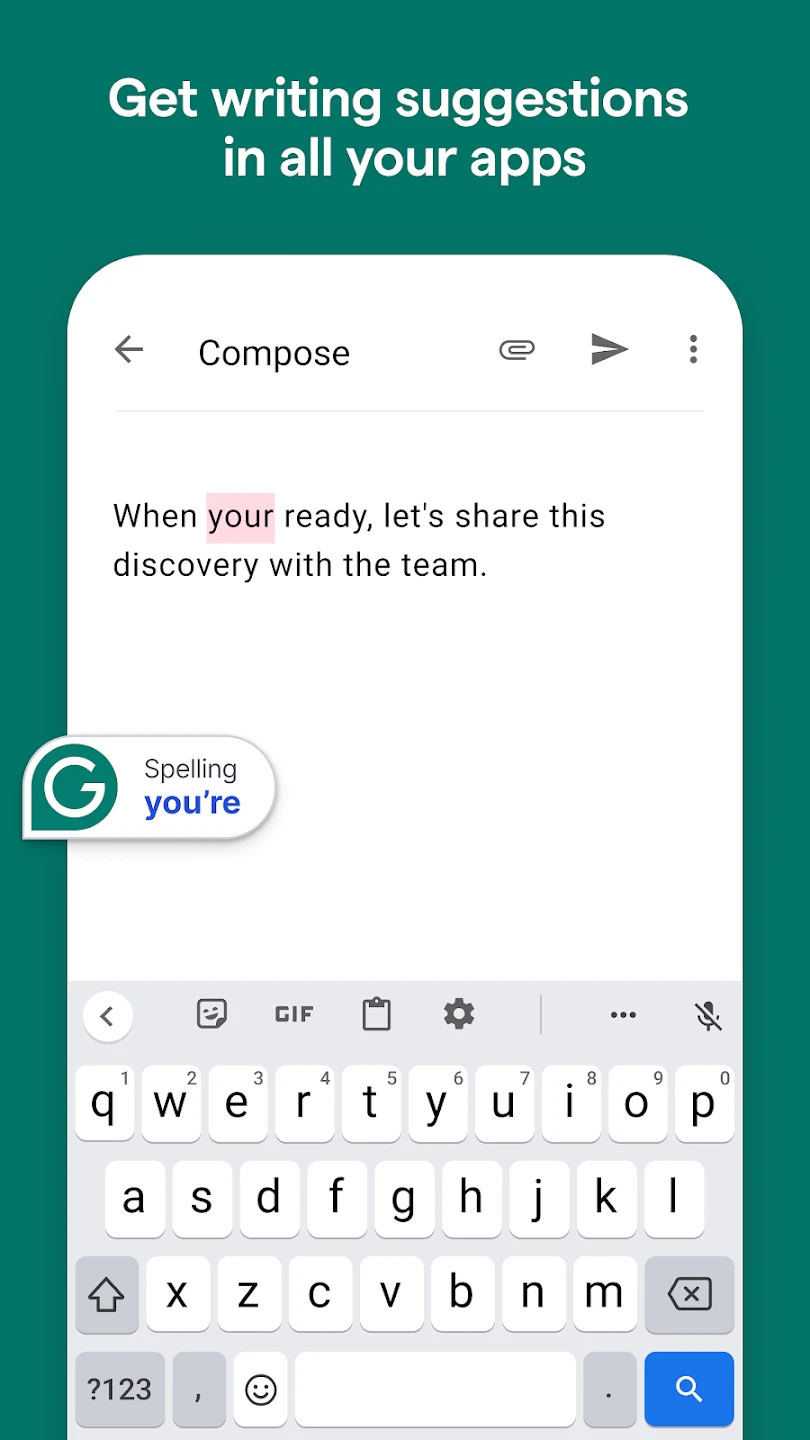
Comprehensive Grammar and Spelling Check: Grammarly app Instantly catches and corrects hundreds of errors, from simple typos to complex grammatical mistakes like subject-verb agreement and modifier placement.
Clarity and Conciseness Suggestions: Identifies wordy sentences, jargon, and passive voice, offering suggestions to make your writing clear and easy to understand.
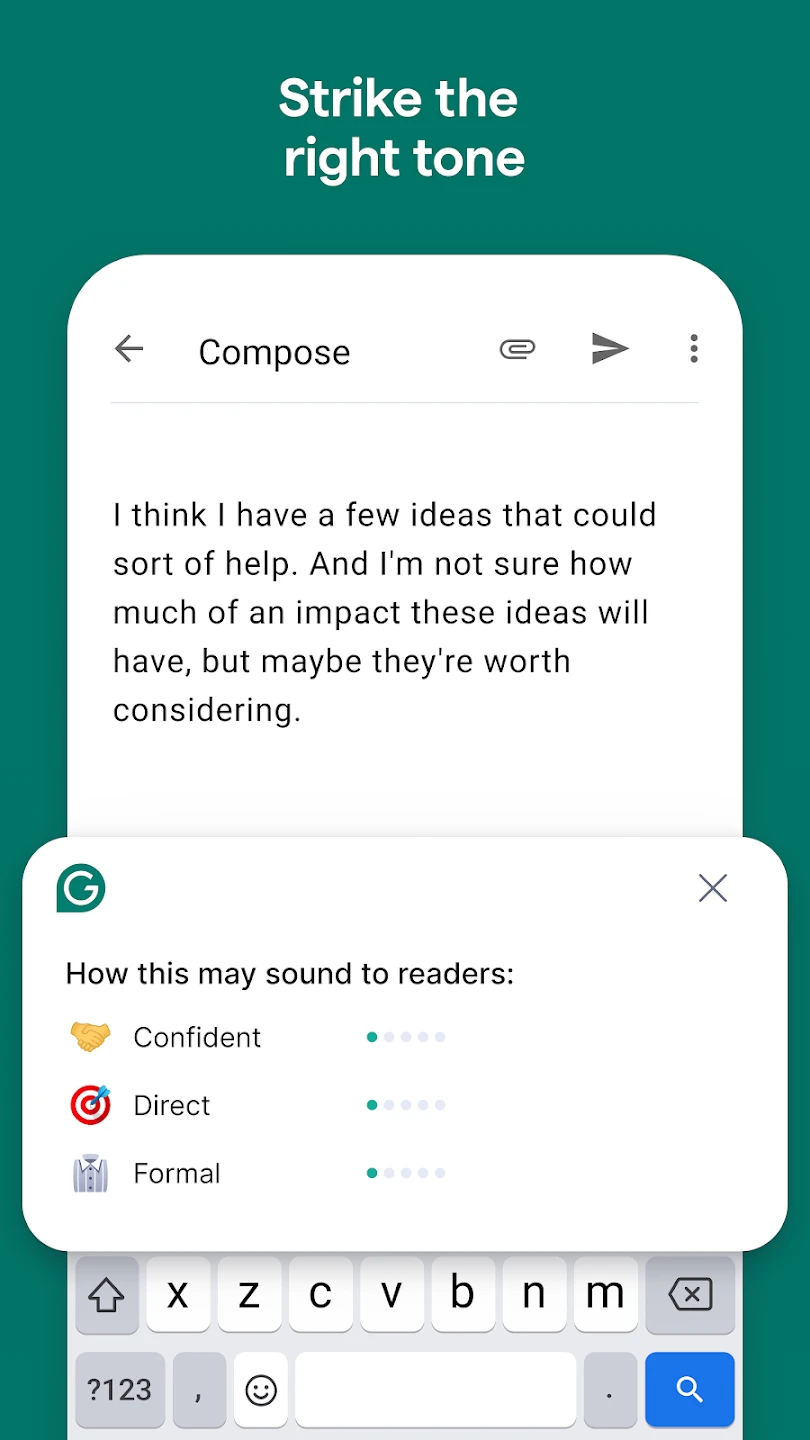
Tone Detection and Adjustment: Analyzes the emotion and intent of your writing (e.g., confident, formal, friendly) and provides feedback to ensure your tone matches your audience and goal.
Plagiarism Checker (Premium): Grammarly compares your text against billions of web pages and academic papers to detect potential instances of plagiarism.
Vocabulary Enhancement: Suggests compelling, contextually appropriate synonyms to help diversify your language and elevate your writing.
Goal-Specific Customization: Allows you to set specific goals for your document (e.g., audience, formality, domain, intent) to receive tailored, context-driven writing feedback.
Performance Scores: Grammerly provides a holistic score for each document based on correctness, clarity, engagement, and delivery, helping you track improvement instantly.
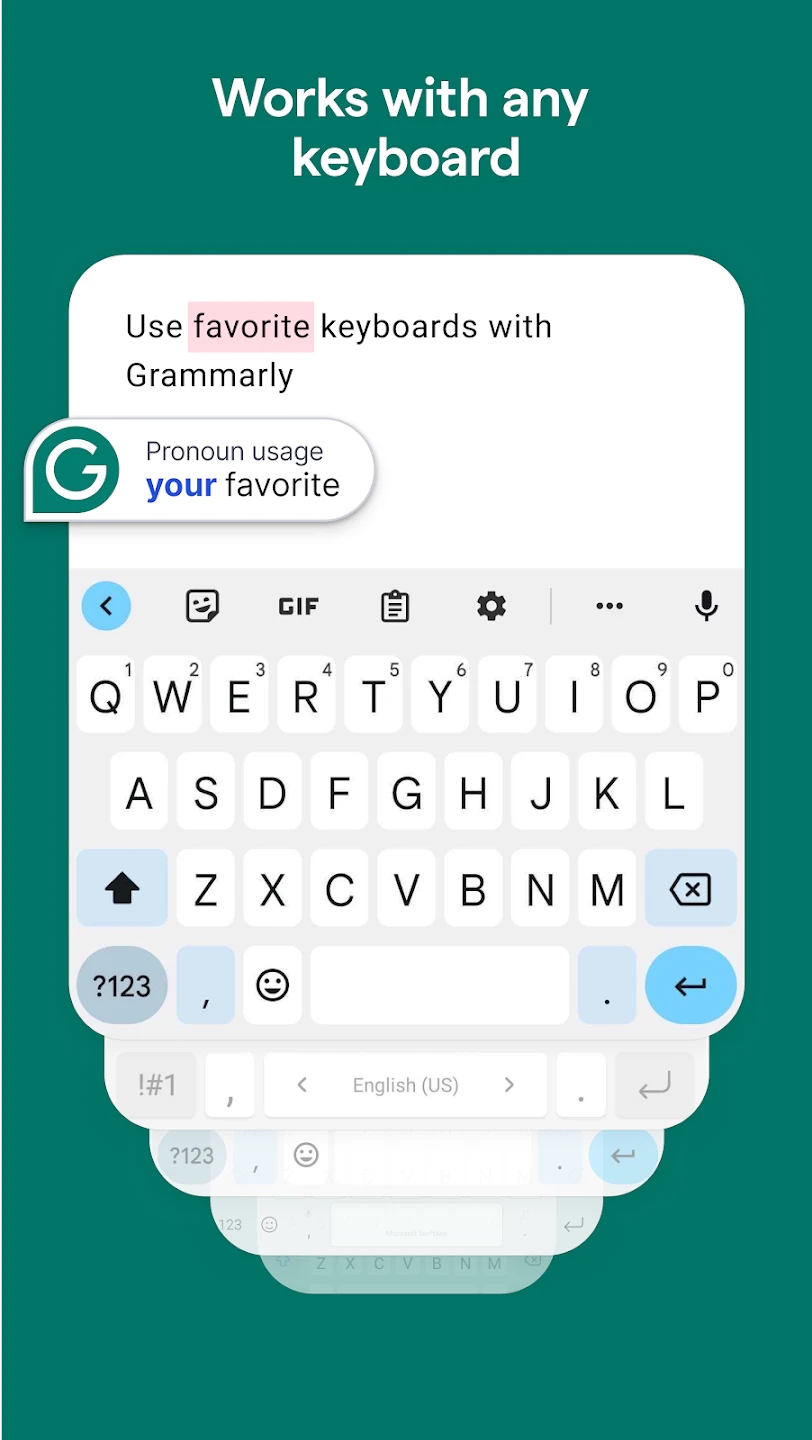
Cross-Platform Integration: Offers dedicated extensions for popular web browsers (Chrome, Safari, Firefox), desktop applications, and a specialized mobile keyboard for seamless use across all devices.
Pros & Cons
Pros:
- Grammarly Seamless integration with browsers, desktop apps, and mobile keyboards.
- Significantly improves overall writing clarity, correctness, and professionalism.
- Real-time feedback helps users learn and improve their writing skills over time.
Cons:
- The free version of Grammarly app has limited functionality, prompting frequent upgrades.
Similar Apps
| App Name | Highlights |
|---|---|
| Jawoll | Offers fast processing, intuitive design, and wide compatibility. Known for custom workflows and multi-language support. |
| Grammarly Premium | Designed for simplicity and mobile-first usability. Includes guided steps and real-time previews. |
| Scanning Writing Tools | Offers AI-powered automation, advanced export options, and collaboration tools ideal for teams. |
Frequently Asked Questions
Q: How does the Grammarly-AI Writing Assistant integrate with different applications?
A: Excellent question! The Grammarly-AI Writing Assistant typically integrates directly with popular platforms like Microsoft Word, Google Docs, web browsers, email services, and various content management systems. This seamless integration means the tool actively checks your writing as you compose it, without requiring you to copy-paste text back and forth.
Q: Can the Grammarly-AI Writing Assistant help with writing in languages other than English?
A: Yes, the Grammarly-AI Writing Assistant offers support for multiple languages beyond English. However, the comprehensiveness and accuracy of the suggestions can vary depending on the language selected; English is typically the most fully featured.
Q: What are the key differences between the free and premium versions?
A: The free version generally covers the essential grammar, spelling, and punctuation checks. Premium unlocks advanced features like vocabulary enhancement, style analysis, tone adjustment, writing suggestions, plagiarism checking, document scoring, and enhanced readability metrics. Premium also often includes features tailored for specific contexts like business, technical writing, or social media.
Q: Does Grammarly-AI Writing Assistant store my writing content?
A: Grammarly-AI Writing Assistant is designed with privacy in mind, but storing your documents securely is crucial. Typically, users can configure settings to either keep or delete writing history locally. Grammarly’s core engine processes text locally within your application (like Word or Docs) whenever possible, or the text is sent securely to their servers for processing, depending on the specific app and setting, and then deleted according to their privacy policy.
Q: How accurate is the AI-powered writing assistance?
A: The AI in the Grammarly-AI Writing Assistant is sophisticated and continuously learns from vast datasets. While it excels at catching common errors and suggesting improvements based on established patterns, it can still occasionally miss context-specific issues or suggest potentially awkward phrasing. It’s always recommended to review the suggestions critically and use your own judgment to ensure the final output aligns perfectly with your intent.
Screenshots
 |
 |
 |
 |
Grammarly-AI Writing Assistant App Download |
|
|---|---|
 |
 |